mortred_model_server
Tutorials Of Object Detection Model Server
Start A Object Detection Server
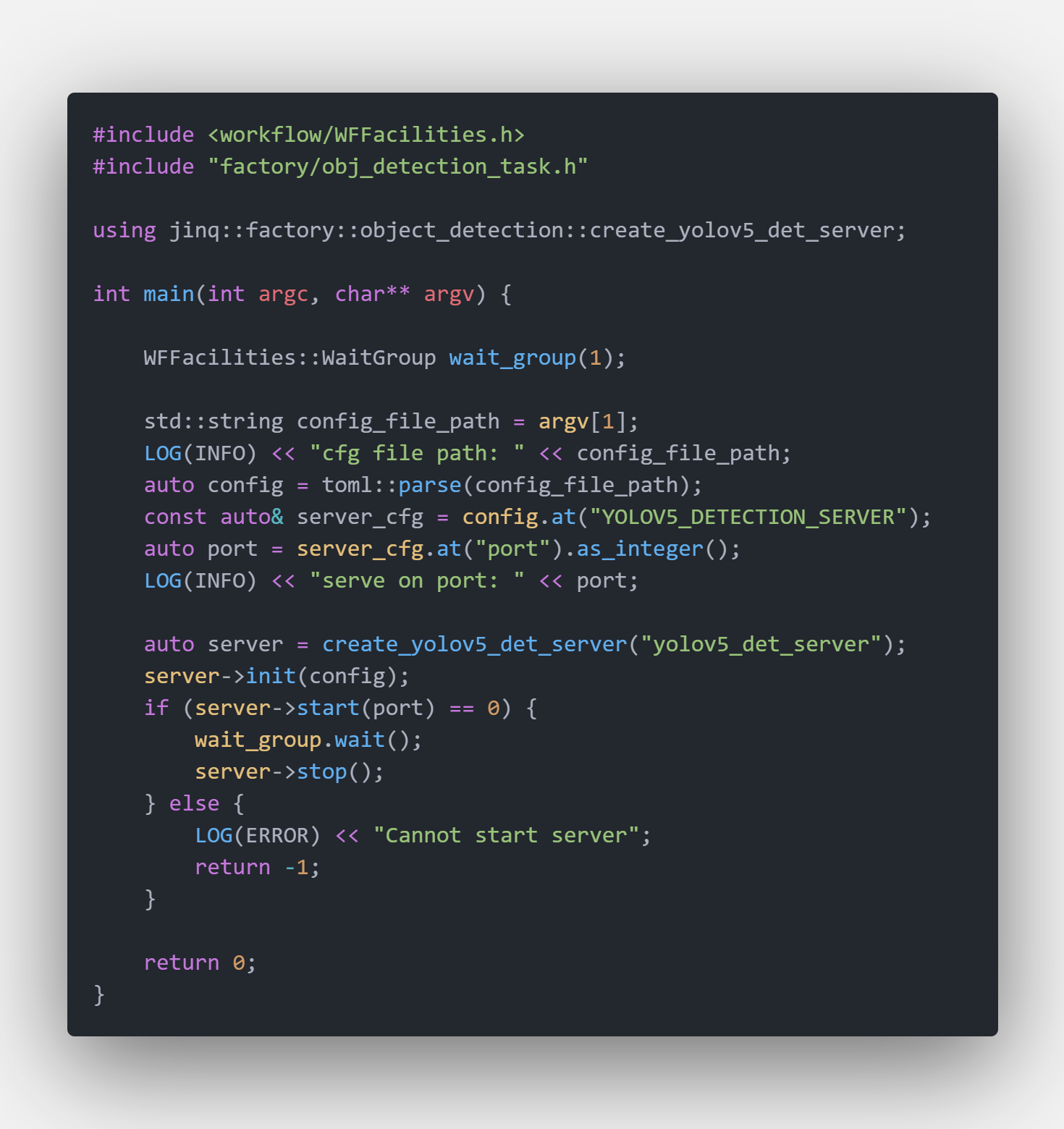
It’s very quick to start a object detection server. Main code are showed below
Object Detection Server Code Snappit
The unified server binary is $PROJECT_ROOT/_bin/mortred-model-server.out. Simply run
cd $PROJECT_ROOT/_bin
./mortred-model-server.out --model YOLOV5 ../conf/server/object_detection/yolov5/yolov5_server_config.toml
When the server starts successfully at the port configured in your server config (conf/server/<task>/<model>/*.toml), worker_nums workers will be spawned and occupy your GPU resources. The shipped configs default to worker_nums=1; you may enlarge it if you have enough GPU memory.
You may switch yolov5 model eg. yolov5s yolov5m etc by modifying model configuration. See about_model_configuration.md.
Python Client Example
The Python client is the same as the classification tutorial: tutorials_of_classification_model_server.md.
cd $PROJECT_ROOT
python3 scripts/server/test_server.py --server yolov5 --mode single
Unique Tips For Object Detection Model Python Client
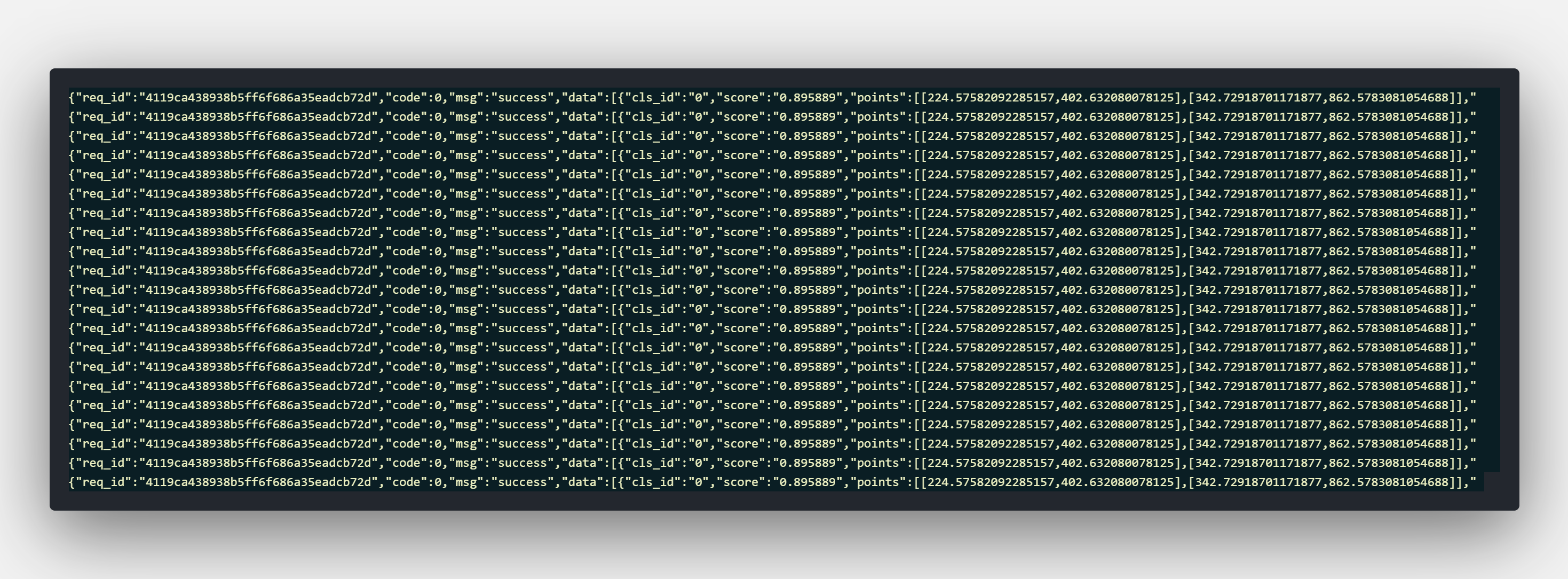
Object detection returns an array under results[0].data. Each box is
class_id, score, category, bbox as [x1, y1, x2, y2].
{
  "status": 0,
  "status_str": "OK",
  "task_id": "demo",
  "results": [
    {
      "status": 0,
      "data": [
        {
          "class_id": 6,
          "score": 0.65,
          "category": "bus",
          "bbox": [10.0, 20.0, 100.0, 200.0],
          "detail_infos": {}
        }
      ]
    }
  ],
  "partial": false
}
Unique Tips For Face Detection Model Python Client
Face detection uses the same envelope plus landmarks as [x, y] pairs.
{
  "status": 0,
  "status_str": "OK",
  "task_id": "demo",
  "results": [
    {
      "status": 0,
      "data": [
        {
          "class_id": 1,
          "score": 0.65,
          "category": "face",
          "bbox": [10.0, 20.0, 100.0, 200.0],
          "landmarks": [[12.0, 24.0], [90.0, 24.0]],
          "detail_infos": {}
        }
      ]
    }
  ],
  "partial": false
}
Object Detection Model’s Visualization Result
Yolov5 Model
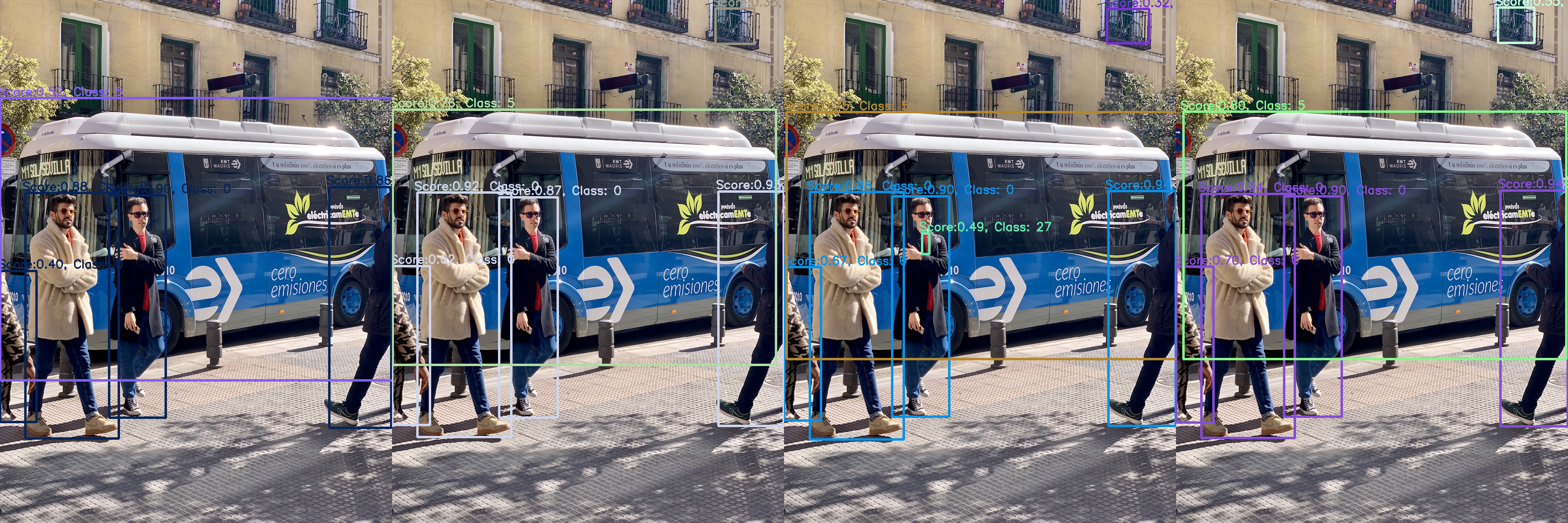
Yolov5 :rocket: is a family of object detection architectures and models pretrained on the COCO dataset, and represents Ultralytics open-source research into future vision AI methods, incorporating lessons learned and best practices evolved over thousands of hours of research and development.
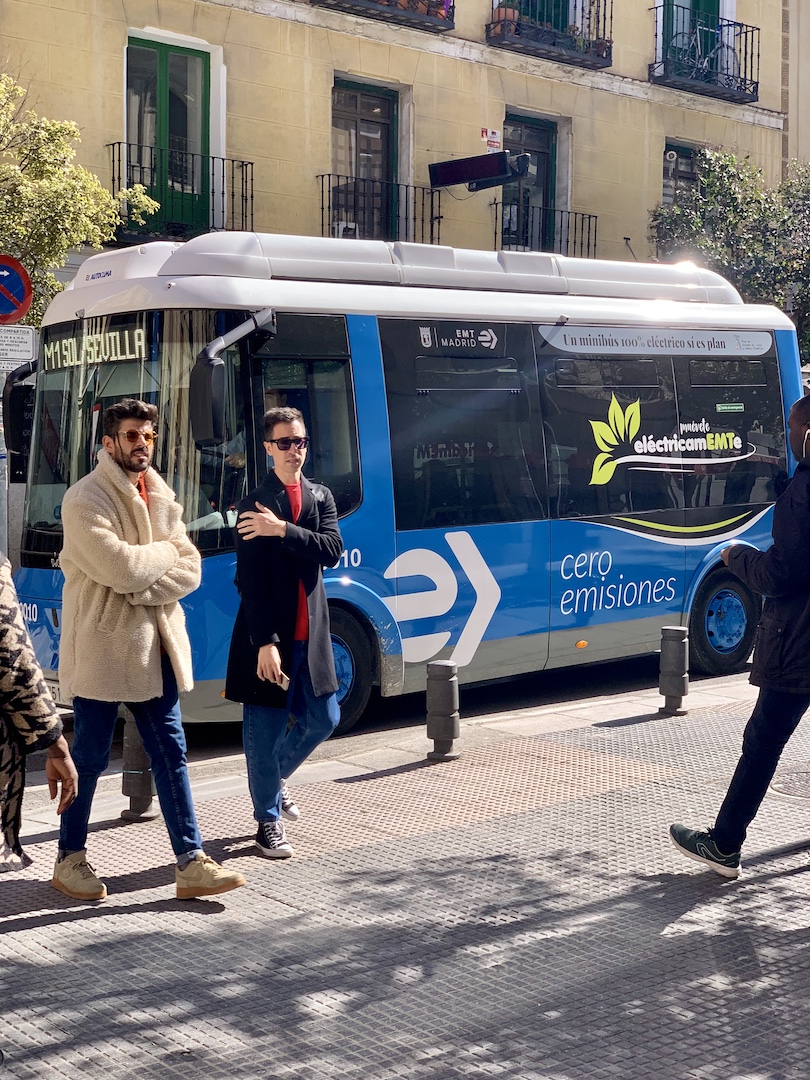
Server's Input Image
Server's Output Image With Different Model
LibFace Model
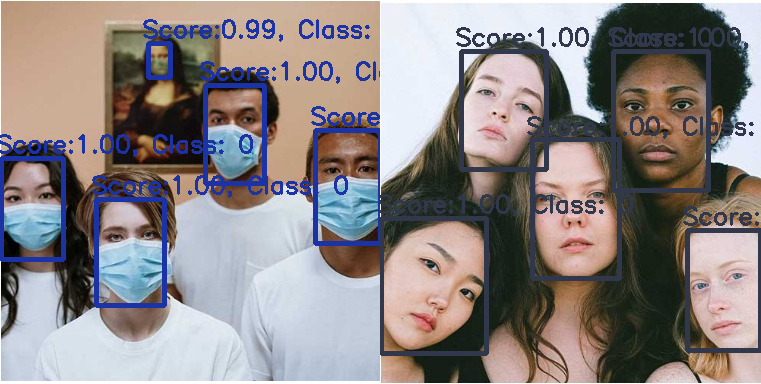
Libface is a remarkable open source library for CNN-based face detection in images designed by ShiqiYu. You may refer to https://github.com/ShiqiYu/libfacedetection for details.
Server's Input Image

Server's Output Image